1. Overview
Many MacBook users experience lag when toggling between Korean and English input. I had previously solved this input-switching problem with Karabiner mapping, but after upgrading to Ventura or later, the lag came back.
I'm not sure what change in macOS caused it to stop working, but the bottom line is that updating to the latest Karabiner version and reconfiguring the settings resolves the issue. I'm leaving this on the blog as a record.
1.1 The Mac Version I Use
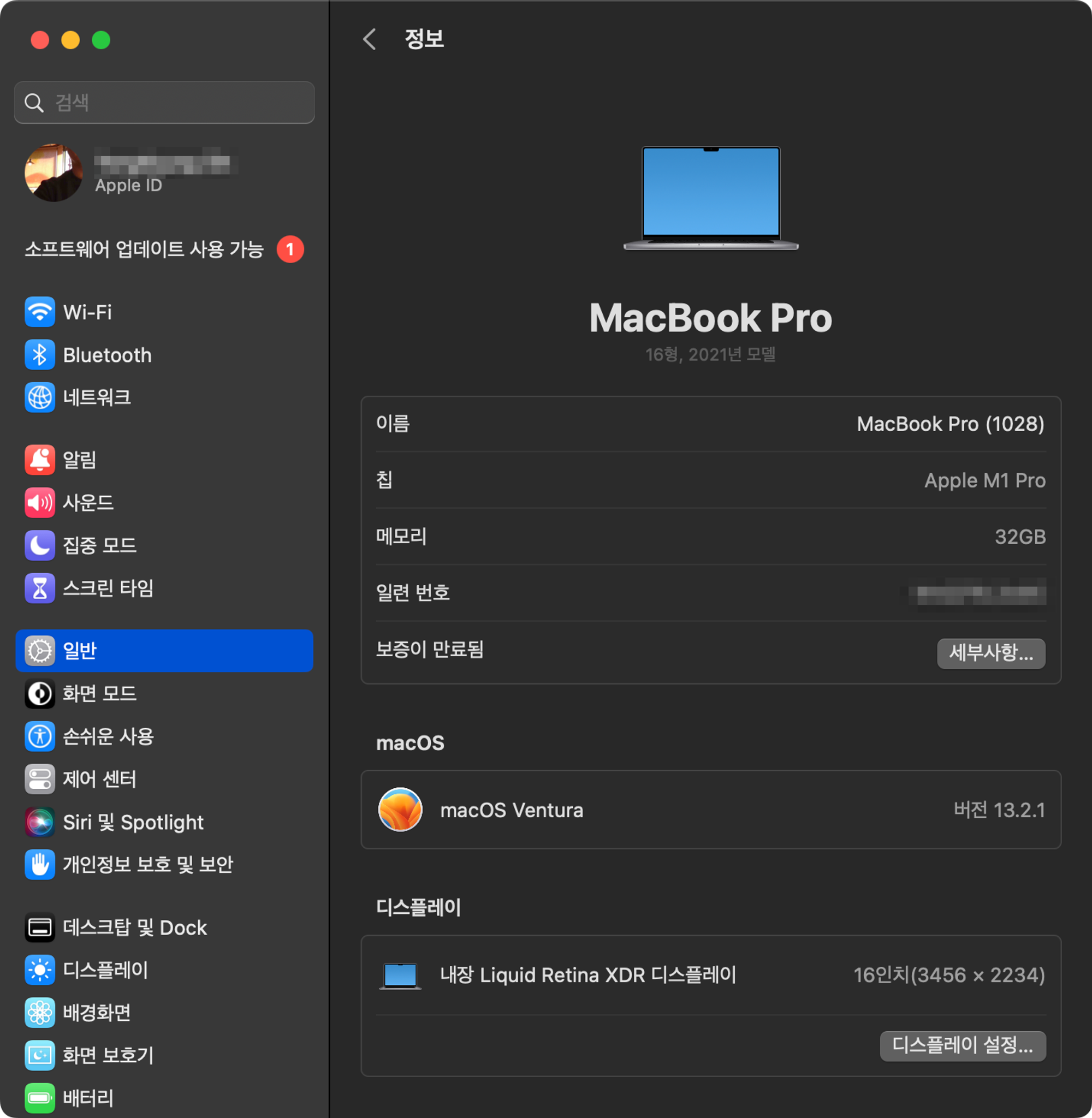
I'm currently using an M1 MacBook Air running macOS Ventura 13.2.1.
2. Installing and Configuring Karabiner
2.1 Installing Karabiner
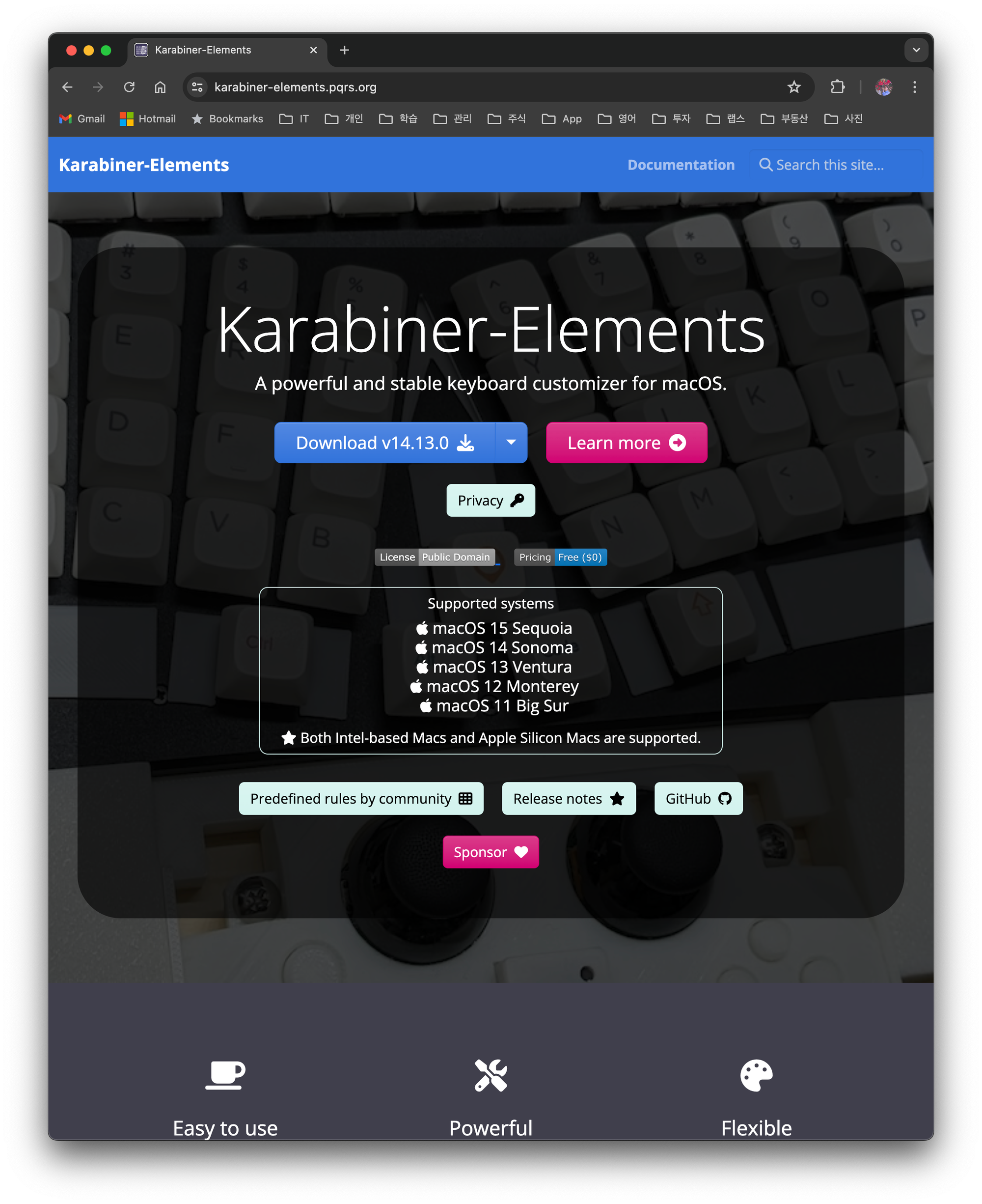
Karabiner is a powerful key-mapping tool that lets you customize your MacBook's keyboard behavior. It's open source — visit the Karabiner official website and download the latest version.
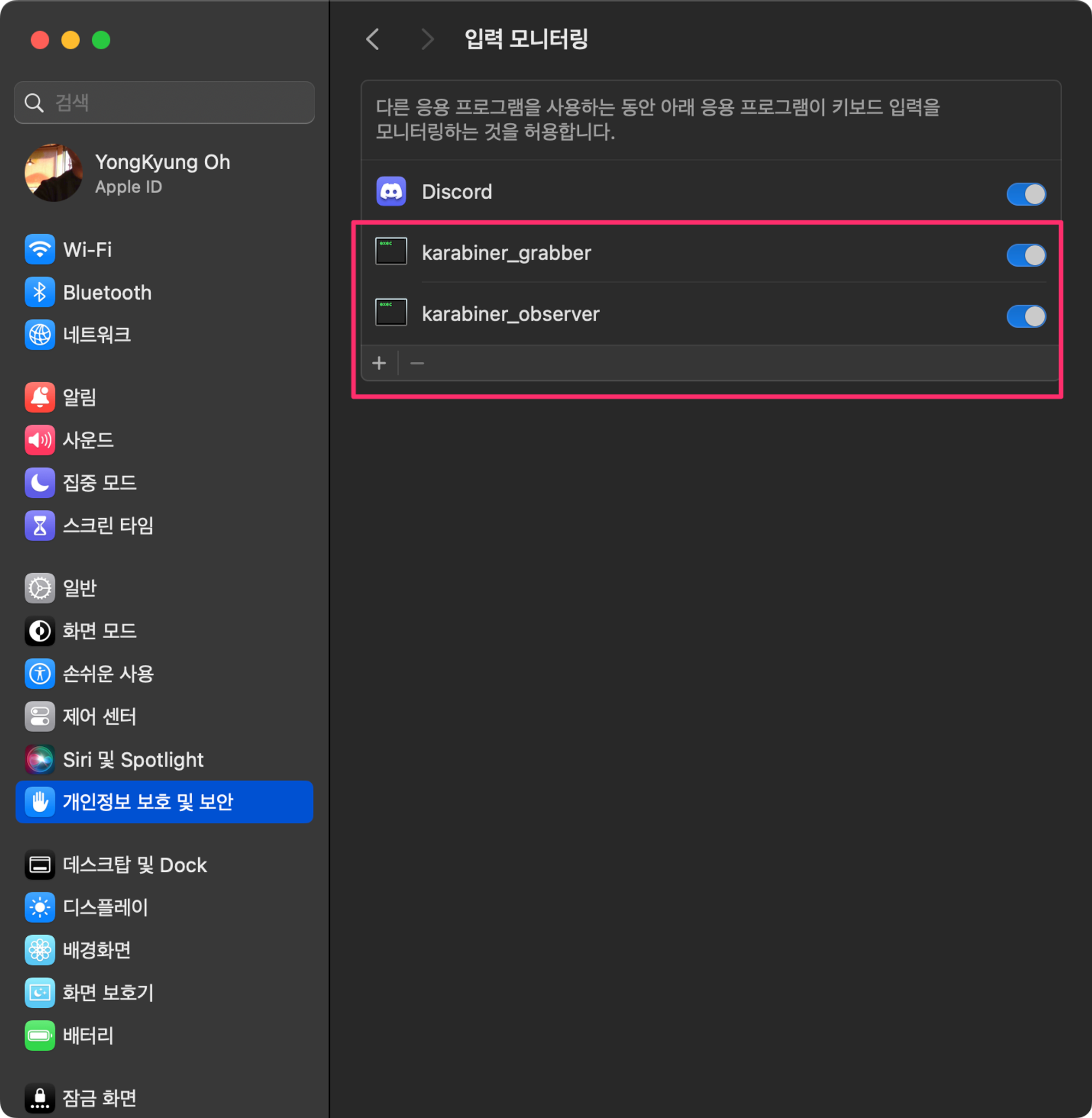
On first launch, it requests accessibility permissions in System Settings. You must grant these permissions for it to work properly.
Under Privacy & Security > Input Monitoring, allow the following two monitoring entries.
3. Configuring Karabiner - Eliminating Korean/English Switching Lag
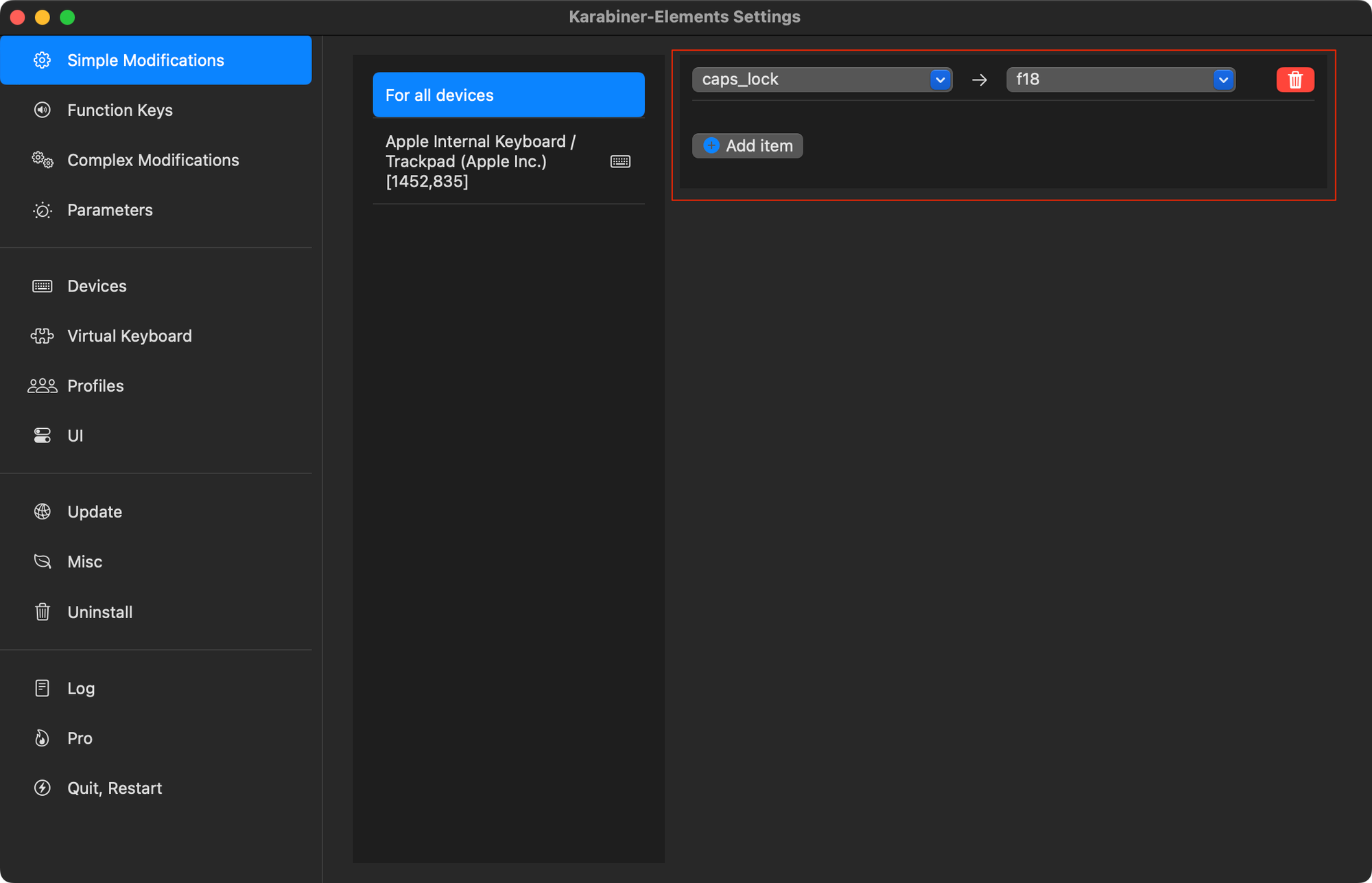
Launch Karabiner-Elements and add the mapping as shown below. This setting means that pressing caps_lock produces the same result as pressing the f18 key.
In the Mac Keyboard settings, click Input Sources > Keyboard Shortcuts… > Input Sources, and in the input menu change the key for "Select the next source in the Input menu" to f18. This makes pressing f18 toggle the Korean/English key.
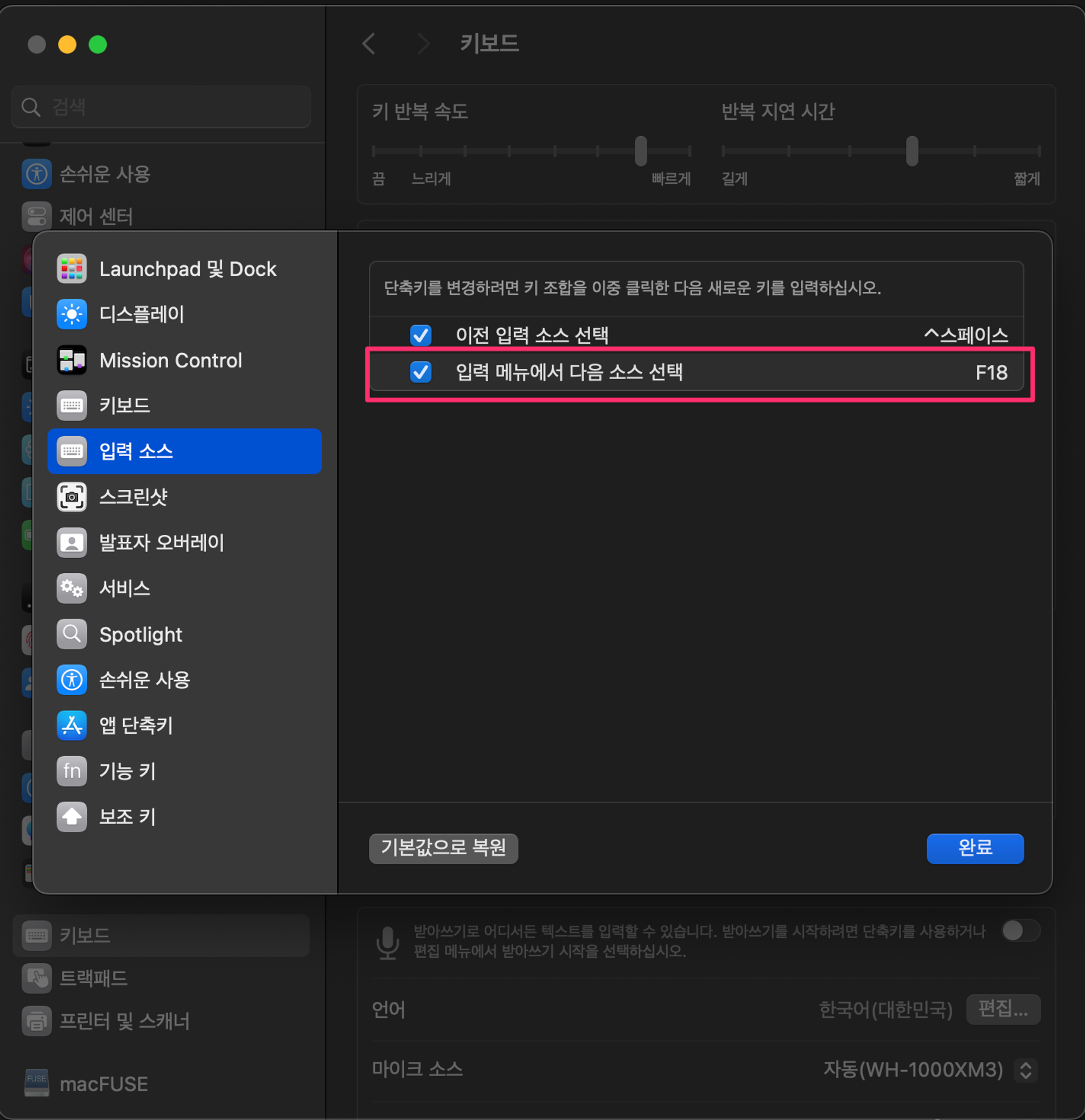
Now try pressing
caps_lock. It should work without any problems.
In conclusion, through the process above, when the user presses the caps_lock key → the mapping presses f18 → the Korean/English key switches smoothly.